Virtual staging · early access
Virtual staging and photo fixes, right inside your listing video.
Photo editing is in early access: it is opening to a small group of accounts first. Here is what it does and how it keeps your listing honest.
No credit card required. One free Essential Tour per account, up to 30 seconds, with ListingWalk branding.
- Stage room
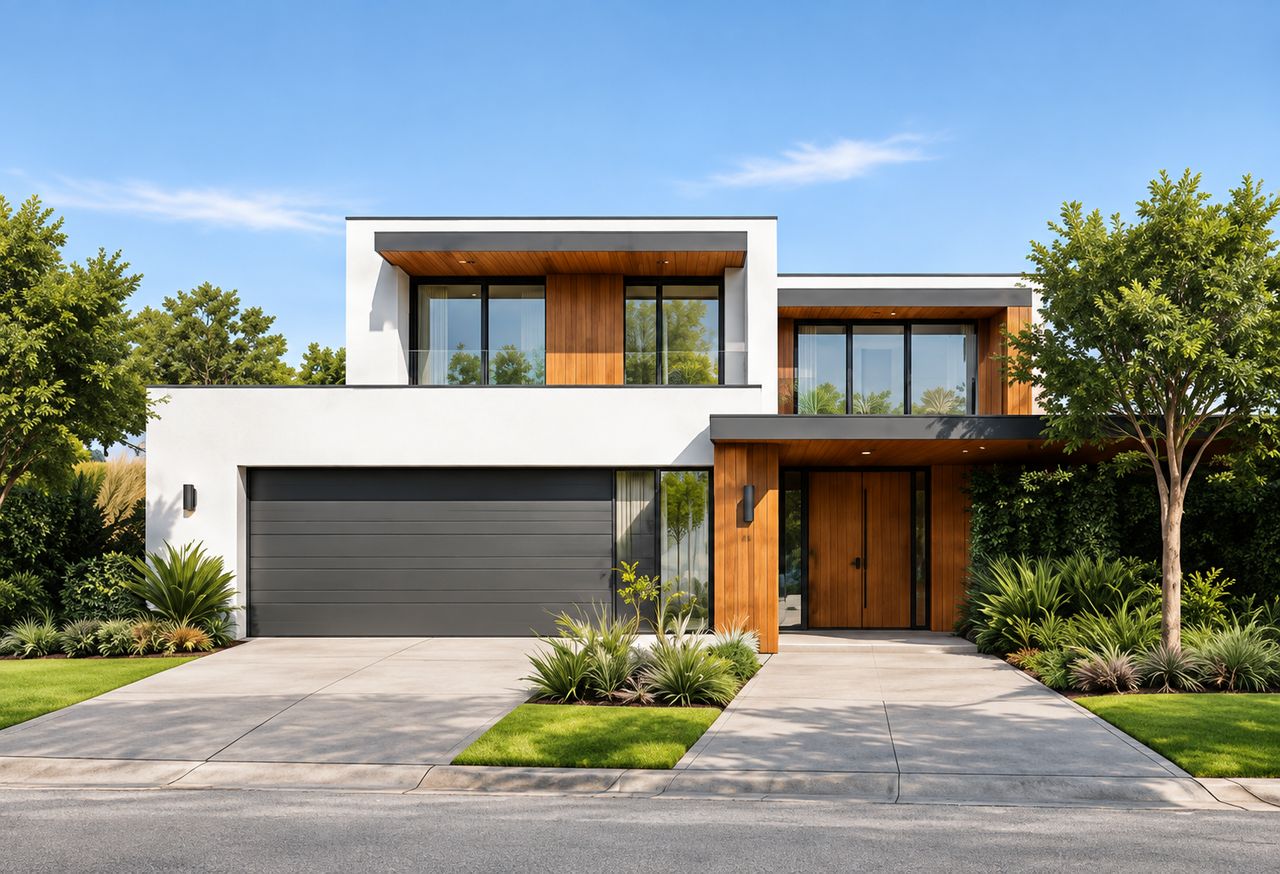
- Clear sky
- Twilight
- Repair lawn
- Remove clutter
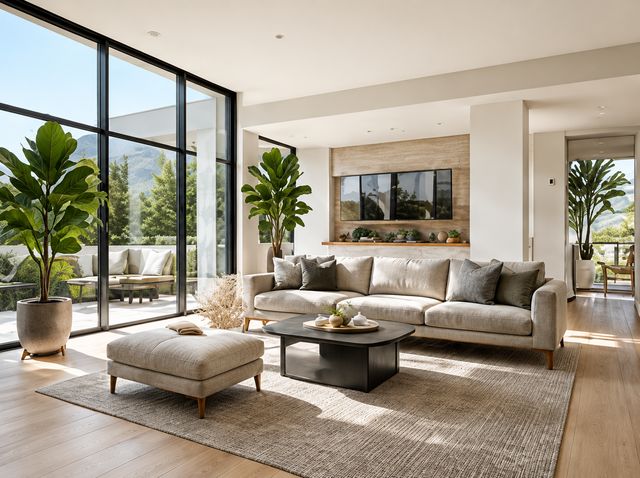
Furnish empty rooms
Choose the room and one of seven styles: Modern, Scandinavian, Farmhouse, Mid-century, Coastal, Bohemian or Industrial. Furnish an empty room, replace the existing furniture, or declutter first and then furnish.
Fix the photo, not the property
- Clear sky: replaces only the visible sky
- Daytime, sunset, dawn or twilight light for exteriors
- Lawn repair that keeps the existing lawn boundaries
- Clutter removal for the objects you describe
- Brighter exposure and corrected white balance
Always compared, always labelled
Every edit is saved as a new version next to the original, so you compare before you use it. When a video uses an edited photo, its share page shows a “Virtually staged” or “Digitally altered” label.
Frequently asked questions
Can I use it today?
Photo editing is in early access and not yet open to every account. Videos made from your original photos are available to everyone now.
Will the edit change the property?
Edits are instructed to keep walls, windows, fixtures and boundaries as they are, and you approve every result. Disclose edited photos as your market requires.
Ready for your next listing?
Turn your next listing into a video.
No credit card required. One free Essential Tour per account, up to 30 seconds, with ListingWalk branding.
Watch the examples